


Showcase
Lintel

Set it up once. Set it up right.

A software company's Certified Admin programme, so customers set the product up right the first time.

Open the live academyComing soonGet one like this

Coming soonlearn.lintel.app

learn.lintel.app
Search⌘K

Open to try

Certified Admin: Setup

Everything an admin sets up in week one, done right.

Start the course7 lessons · practice in every module

The programme

Open to try

Certified Admin: Setup

Everything an admin sets up in week one, done right.

745m
Members

Workflows and escalations

Rules that act when a job runs late.

742m

Reports your board trusts

Members

Reports your board trusts

Compliance at a glance, site by site.

636m

The brief

The company, and what it needed.

Who they are

Lintel is a B2B software company in Leeds. Its maintenance and work-order platform keeps every asset, site and recurring job in one place for multi-site facilities teams: school groups, clinic networks, retail estates.

The problem

New customers set it up wrong in the first month, then open tickets about it for months after. The help centre has every answer, and nobody reads it before they need it.

What they asked for

A certification path for each customer's admins: short screencasts, practice on the setup decisions that cause tickets, a graded check and a certificate admins actually want.

Lintel Academylearn.lintel.app
For
Software companies, Customer education teams, Customer admins & partners
Format
Screencasts of the real product, practice on the setup calls that cause tickets.
Video
Screencast
Practice
Rapid drill, Decision scenario, Knowledge check
Tutor
Lintel Guide, product guide
Certificate
Lintel Certified Admin

The programme

One course open, the rest on the shelf.

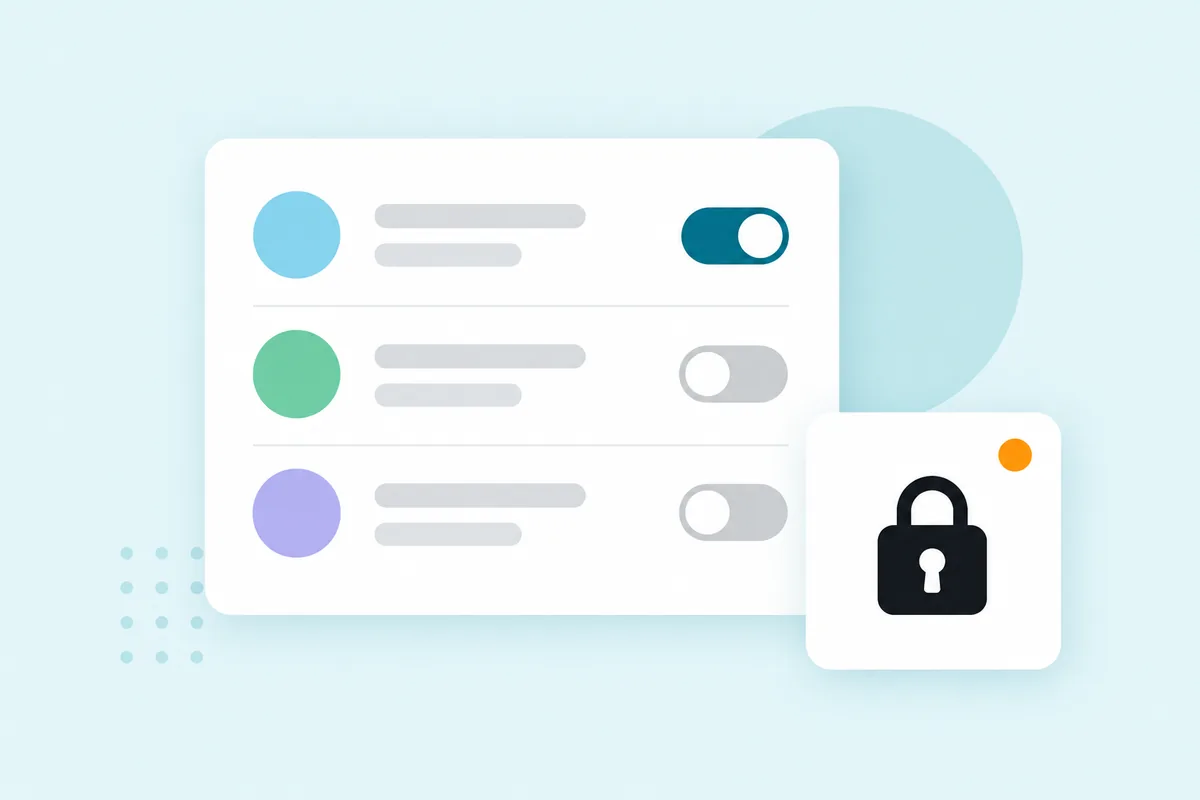
The flagship course is open to anyone. The other five are locked, with real titles, so it reads as the programme it would be.

Open to try

Certified Admin: Setup

Everything an admin sets up in week one, done right.

  1. Module 1Sites and assets

    • Find your way around Lintel5m
    • Sites, buildings and assets6m
    • A new site opens Monday5m
  2. Module 2Roles and schedules

    • Who can close a work order5m
    • Answer your caretaker4m
    • Planned maintenance schedules6m
  3. Module 3Certification

    • Certified Admin check12m
  • Workflows and escalationsRules that act when a job runs late.7 lessons · members
  • Reports your board trustsCompliance at a glance, site by site.6 lessons · members
  • Rolling out the mobile appPhones, logins and the first week of jobs.5 lessons · members
  • Contractors and permitsOutside engineers, inside your rules.6 lessons · members
  • Training your helpdeskA short course for whoever logs the jobs.4 lessons · members

The tour

Five moments from the academy.

What a learner sees, then what the owner sees. The practice below works: try it.

  1. 1The video

    The real product, on screen

    Every setup step is a short screencast of the product with a calm narrator, the active control ringed in teal, captions and chapter marks.

    Add the site first, then its assets, then the schedules.
    4:12CC
    Setting up your first siteScreencast · captions on
  2. 2Practice

    The questions that turn into tickets

    A rapid drill: someone on site asks, the admin answers in their own words. Try it yourself.

    Respond to each lineA

    Answer your caretaker

    A caretaker asks

    “I've finished the job, so why can't I close the work order?”

    Enter sends

    This demo checks for key ideas with a simple word match in your browser. In the academy, answers are read for meaning.

  3. 3The tutor

    A guide that knows the product

    The tutor answers from the course and the product docs it was built from. These are exchanges written for the sample academy.

    Ask Lintel Guide

    LG

    Lintel Guide

    Product guide

    What's the difference between Complete and Close?
    Complete means the work is done. Close means someone has checked it. Give caretakers Complete but not Close, and a supervisor still sees every job before it's signed off. Which roles are you setting up first?
    Ask Lintel Guide...

    AI answers from your course content and your practice results. It can make mistakes.

  4. 4The certificate

    Lintel Certified Admin

    Admins who pass the check get a certificate in Lintel's name, with a public link they can put on a profile.

    Lintel

    Certificate of completion

    Your name

    completed Lintel Certified Admin

    with practice in every module, issued by Lintel

    Issued on completion Check it at learn.lintel.app
  5. 5The owner's view

    Which setup steps trip people up

    Lintel's customer team sees which answers admins miss, in plain words, before the tickets arrive.

    The owner side is Fayne's own app, so it wears Fayne's colours. The numbers are illustrative: this academy has no real learners yet.

    learn.lintel.app/admin
    Lintel Academylearn.lintel.app

    Certified Admin: Setup

    Certified Admin: Setup

    26 members

    OverviewMembersKnowledge checksPractice

    Practice

    Illustrative data

    Most admins miss the role answer in “Answer your caretaker”. It's the setting behind the most “can't close” questions.

    9 of 26 admins put two schedules on the same asset in “A new site opens Monday”.

    Rapid drill · Decision scenario

    Answer your caretaker

    10 strong · 11 getting there

    A new site opens Monday

    15 strong · 2 getting there

    Planned maintenance schedules

    18 strong · 5 getting there

What went in

From their material to their academy.

We wrote the material Lintel would already own, then built the academy from it, the same way we build a client's from theirs.

Source material

  • URLLintel help centre212 articles
  • PPTCustomer onboarding deck38 slides
  • DOCTop support tickets, last quarter40 tickets
  • PDFAdmin setup checklist6 pages

The academy

Lintel
  • Six courses, one open to try
  • Screencasts of the product
  • Drills, a scenario and a knowledge check
  • A product guide tutor
  • A shareable certificate

Get one like this, in your brand.

Tell us who you teach and what you already have. We’ll bring a sample built from your own material to the call, before you commit to anything.

“See yours” builds a preview from your own website. No account needed.